Windows For this device
Installer for 64-bit Windows
SHA-256
563a208b…db264cf9
Real 4G/5G mobile and residential proxies in one app. Mobile plans are billed by time, from $0.15 for 2 hours.
Installer for 64-bit Windows
563a208b…db264cf9
APK for Android phones
adfc038c…e5d068c1
Get-FileHash $HOME\Downloads\SP5Proxies-Setup.exeSHA-256563a208bc9a1918c681511dd5f39e646eca8c41e20faa87b3b59a877db264cf9
SHA-256adfc038cc532a7f4344f87f0f91c55457bad40842842c9fc3601989ae5d068c1
No install? Use your account on sp5proxies.com. On a Mac or iPhone, sp5proxies.com works in your browser.
One account and one balance on Windows, Android and sp5proxies.com.
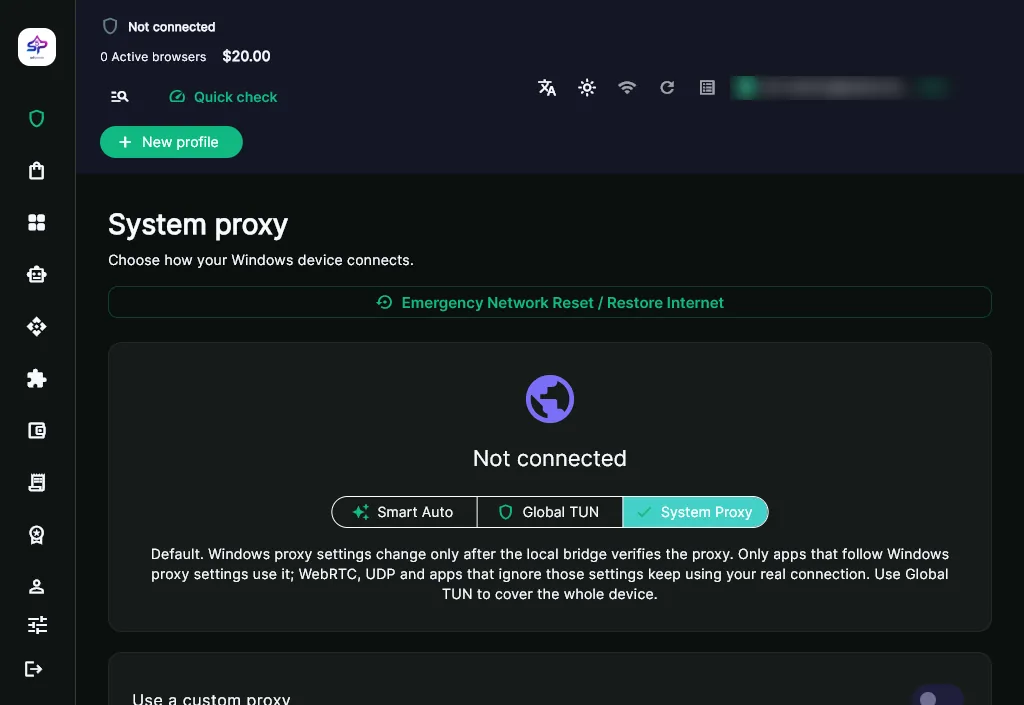
ConnectedYour whole PC uses your proxy
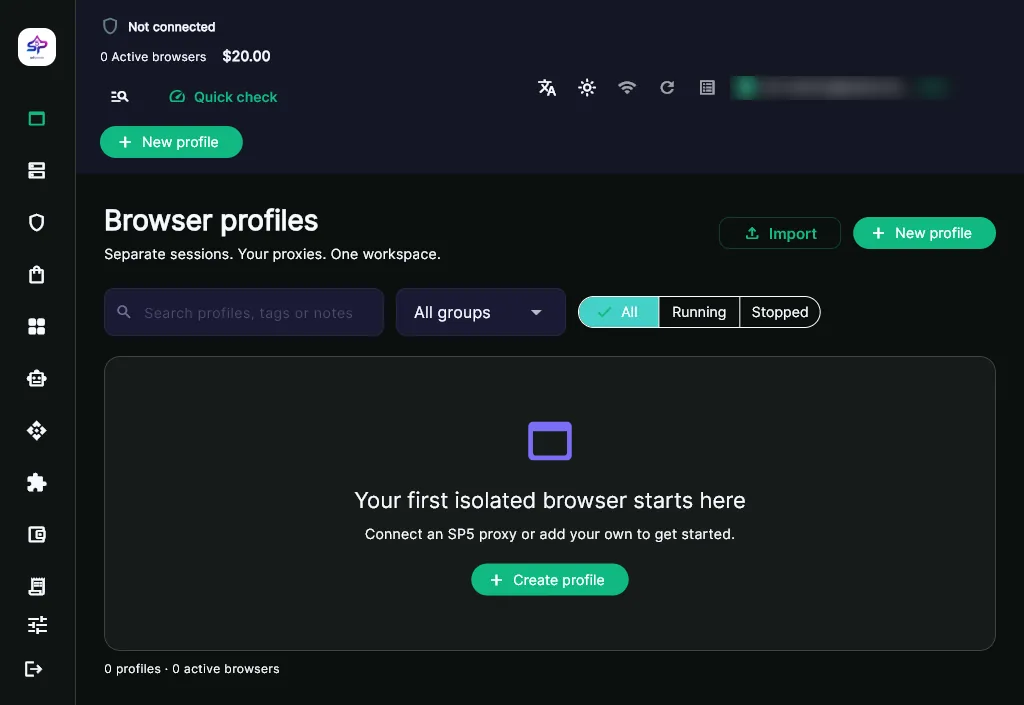
Browser profiles5 free
One switch routes your whole PC through your proxy. Isolated browser profiles are built in: 5 free with any proxy, unlimited on SP5 proxies.
ConnectedTap to disconnect
One tap sends your whole phone’s traffic through your SP5 proxy.
A live preview of the apps. Try the switch and the button.
Free app, same account as sp5proxies.com.
Crypto or PayPal. One balance for the app, the website and the Telegram bot.
USDTBTCPayPalYour proxy appears in the app as soon as you pay.
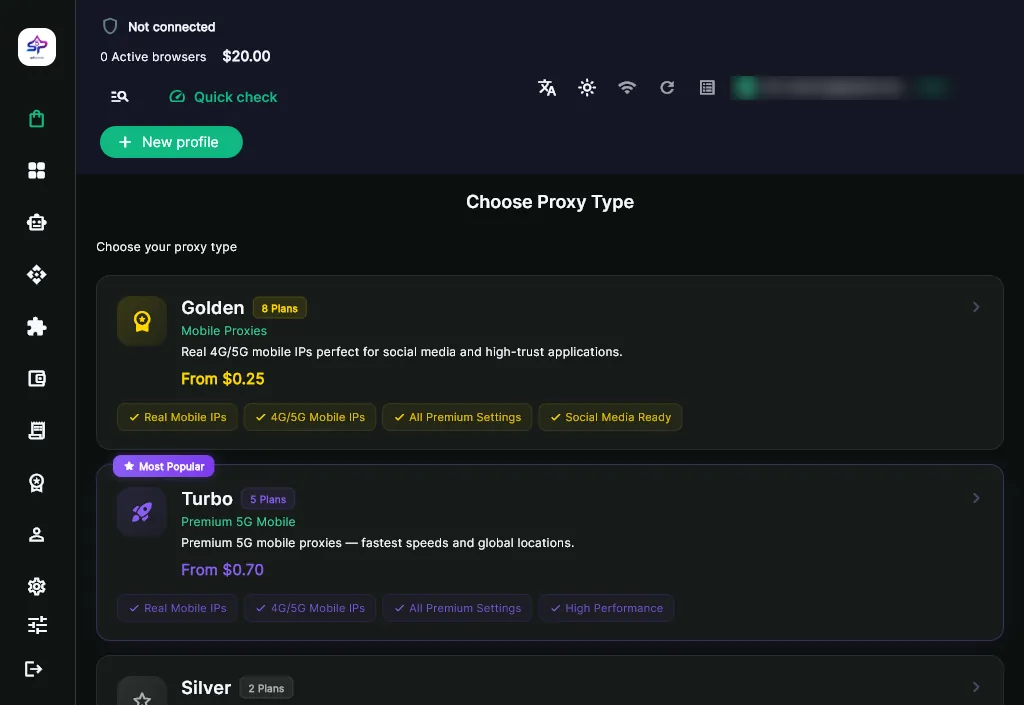
Mobile plans are billed by time, residential by GB. Prices are live from our system.
The cheapest way to get a real mobile IP.
$0.15for 2 hours
Also 7 days $2.49 · 30 days $7.99
Choose NitroChoose the country and state. SOCKS5 or HTTP.
$0.25for 2 hours
Also 7 days $4.00 · 30 days $14.50
Choose GoldenPremium 5G lines for when speed matters.
$0.70for 12 hours
Also 7 days $7.00 · 30 days $25.00
Choose TurboReal home IPs with country, state and city targeting.
$1.50per GB
Choose ResidentialInjection, Turbo Injection and Silver are on the full price list.
Profiles on an active SP5 proxy are always free, and every account gets 5 free profiles on other proxies. Paid plans add 15 to unlimited profiles, RPA, Synchronizer, extensions and the local API.
Mobile plans have no per-GB bill; a daily fair-use allowance of about 15 GB per proxy applies. Locations depend on the plan and live inventory. Prices updated 2026-11-22 18:59 UTC. The final price is confirmed at checkout.
Both are good antidetect browsers and both sell proxies in the app now. SP5 is the one built around 4G/5G mobile proxies paid by time.
| Feature | SP5 Proxies | AdsPower | GoLogin |
|---|---|---|---|
| Isolated antidetect browser profiles | Yes | Yes | Yes |
| Proxies you can buy inside the app | YesMobile 4G/5G by time · residential by GB | YesResidential, ISP and datacenter from a partner provider | YesResidential, mobile and datacenter, billed per GB |
| 4G/5G mobile proxies billed by time, not per GB | YesDaily fair use applies | NoNo mobile proxies in its proxy list | NoMobile proxies billed per GB |
| Browser profiles when you use the vendor’s proxies | YesUnlimited on SP5 proxies + 5 free external-proxy profiles | PartlyPlans priced by profile count | PartlyPlans priced by profile count |
| Local API for automation | YesBeta | Yes | Yes |
Competitor details are from adspower.com and gologin.com as checked on 1 November 2026. Their plans change; check their sites before deciding.
i have refered few friends and they think you are the best. i said you are amazing
honestly I have been hearing of proxy. but these is the best
We only show reviews from real, verified customers. Read or leave one on Trustpilot
No. SP5 sells proxies: mobile 4G/5G plans billed by time and residential billed by GB. The Windows app can route all traffic through your proxy, and the Android app uses Android’s VPN permission to send your phone’s traffic through your proxy. We do not sell a privacy VPN.
Yes. Profiles that use an active SP5 proxy are always free, and every account gets up to 5 free browser profiles with external or third-party proxies. Need more than 5 external profiles or automation tools? Plans start at $1.99.
No tool can promise that, and we don’t. SP5 gives every account its own browser profile and a real mobile or residential IP; how platforms treat your activity is outside anyone’s control.
Top up your SP5 balance with crypto (USDT, BTC and more) or PayPal, according to the methods shown in your account. The same balance works in the app, on the website and in the Telegram bot.
There is no per-GB bill. A daily fair-use allowance of about 15 GB per proxy applies. Residential proxies are billed by GB.
It depends on the plan and on live inventory. You see the available locations before you pay.
Download only from sp5proxyapp.com. Each file’s SHA-256 hash is listed on the download cards and in releases.json; compare it with the hash of the file you downloaded. If Windows SmartScreen appears on a fresh release, check the hash first, then click More info and Run anyway.
The app checks for new versions when it starts and asks you to update when a newer release is required. This page always links to the current release.
Download once. Connect in one tap.
Questions first? Real people answer on Telegram, in Arabic and English.